Tutorial: How to create a Google My Business page for your business?
Google Business Profile has become essential for standing out in local searches and on Google Maps. In this guide, you'll discover how to create your listing step by step, correctly fill in your information, avoid duplicates, and optimize your presence to enhance your business's visibility among online users near your catchment area.
You want to create an Google Business Profile page to locally list your points of sale, but you're not sure where to start? Create your listings as soon as you open a Google account by following all the steps below!
What is Google Business Profile?
Également connu sous l’acronyme GMB, Google Business Profile is the local listing service for your points of sale created by Google. The goal here is to allow internet users to find information about your establishment in the most quick possible and geo-localized, especially with proximity results Google Maps.
If you are currently taking your first steps in the SEO of your points of sale, this tutorial is the opportunity to get started well, especially by you referencing on Google Maps but also by creating a descriptive listing of your activity. Moreover, Google à decided to opt for the free of this service, therefore no cost will be incurred for a tool today essential à the operation of all activities.
What is it used for concretely?
Google Business Profile allows to highlight your établissement in local search results for users. This service gives you the ability to présenter your company, d’add photos, publish posts, d'interact with users, collect reviews or also offer discount coupons and many other fonctionnalités
With all these elements, it's an opportunity to increase your visibility on the web and especially your local SEO. Indeed, on certain targeted queries whose search is influenced by Google's location, local results are favored.
La création d’une fiche GMB vous permettra d’apparaître plus rapidement dans les recherches liées aux zones géographiques. En augmentant votre référencement local, vous augmenterez la visibilité de vos produits ou services sur le web et vous pourrez ainsi convertir plus d’internautes en clients fidèles et donc augmenter votre chiffre d’affaires.
What are the steps to follow?
Step 1: Open a Google account
Before creating an Google Business Profile account, you must have a Gmail address because these two accounts are directly linked. You must create an address if you haven't already done so. Then proceed to the next step.
Étape 2 : Rendez vous sur Google Business Profile

Step 3: Enter the name of your establishment and click "Next"

Step 4: Enter your point of sale address

If you check the box “I provide goods and services to my customers”, you will then be asked for delivery methods and your catchment area. If you do not offer home delivery, do not check this box.
Step 5: Avoid duplicates
Google allows you to check if another listing has already been created for the point of sale you are currently registering. If so, check the listing. You will then be directed to a page to update this listing. If no listing has been created, check "No match" and continue creating the Google Business Profile listing for your restaurant.
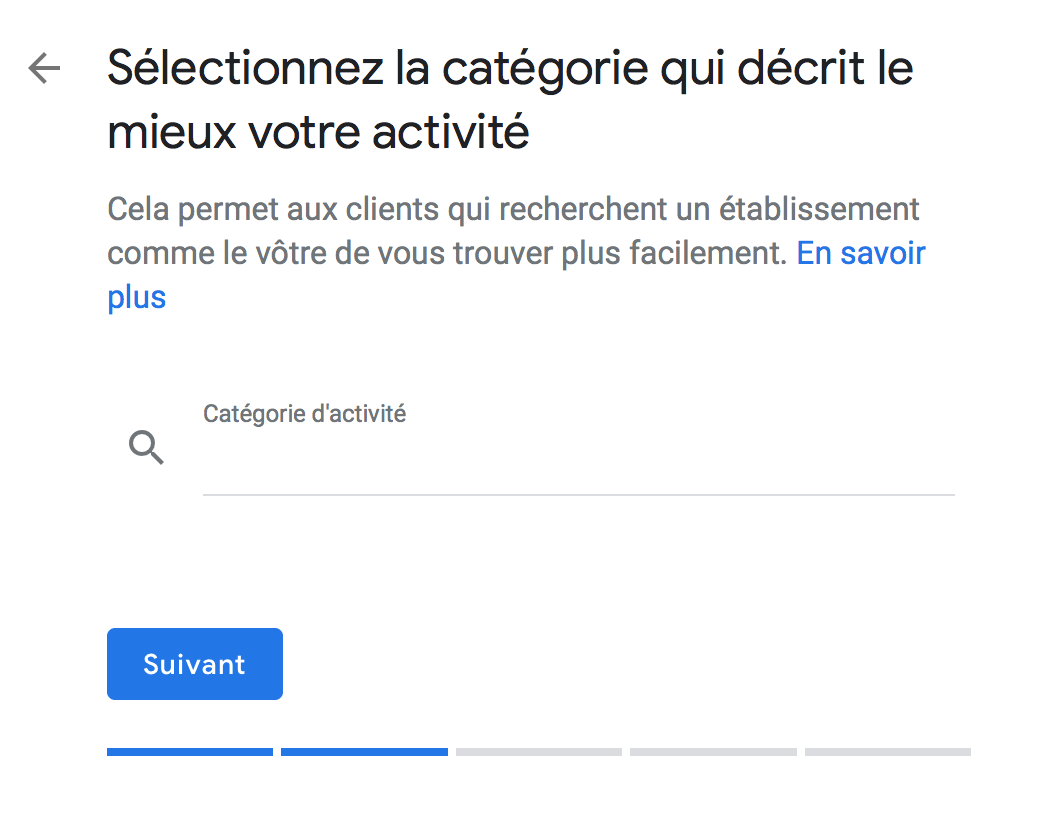
Step 6: Specify the category of your activity
To improve the natural referencing of your point of sale website and for Internet users to find you, think of a specific category that sets you apart from your colleagues. Find the keyword with which your future customers will discover you, and not another. For example, if you are a restaurant, try keywords such as: Italian restaurant, Indian restaurant, family restaurant, gourmet restaurant, etc.
Step 7: Enter the coordinates of the desired establishment
The phone number and website you provide will be displayed on your Google Business Profile.

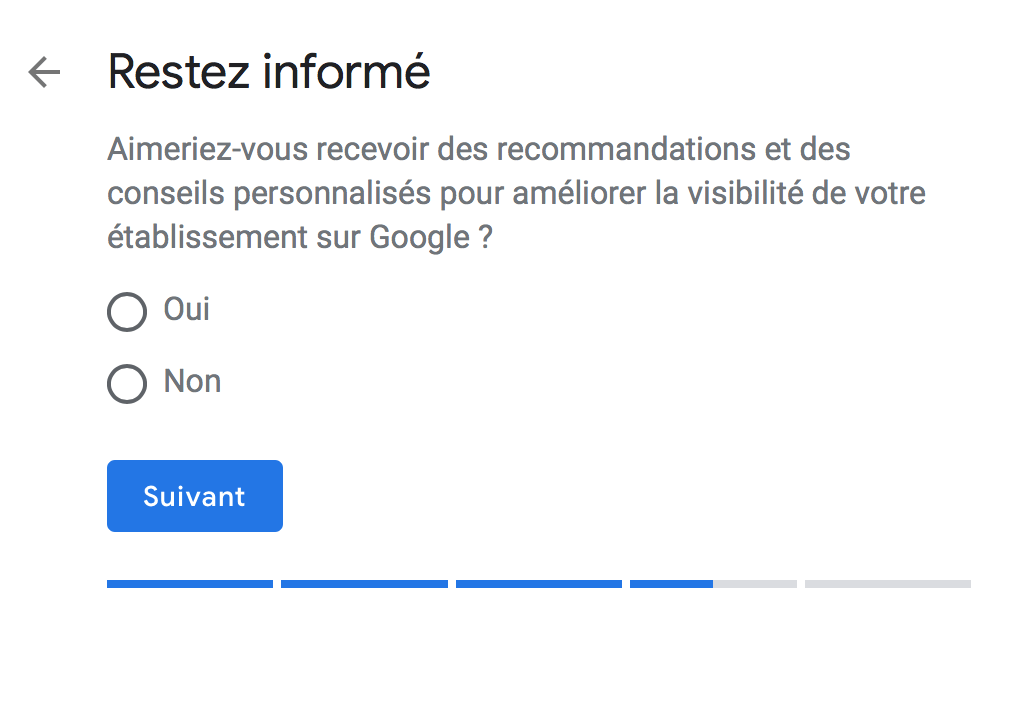
Step 8: Make a choice regarding advice on improving your visibility
We advise you to respond "Yes" to this request, which will allow you to receive recommendations and advice to improve your visibility on Google. The elements sent are generally of type "tutorial" and very constructive when one wishes to increase its SEO without going through an external partner.
Step 9: Confirm that you are in charge of this establishment's information
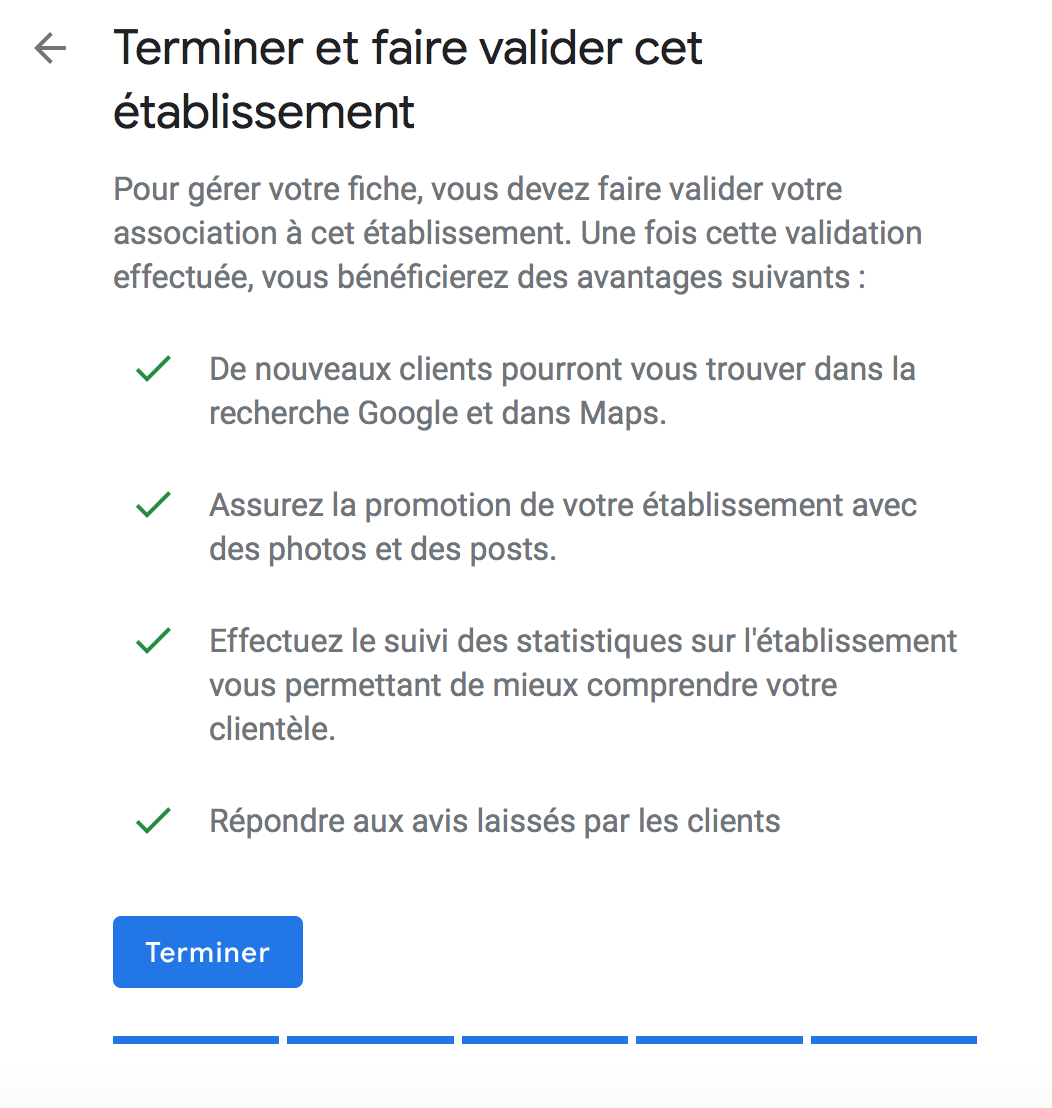
Step 10: Validate your Google Business Profile
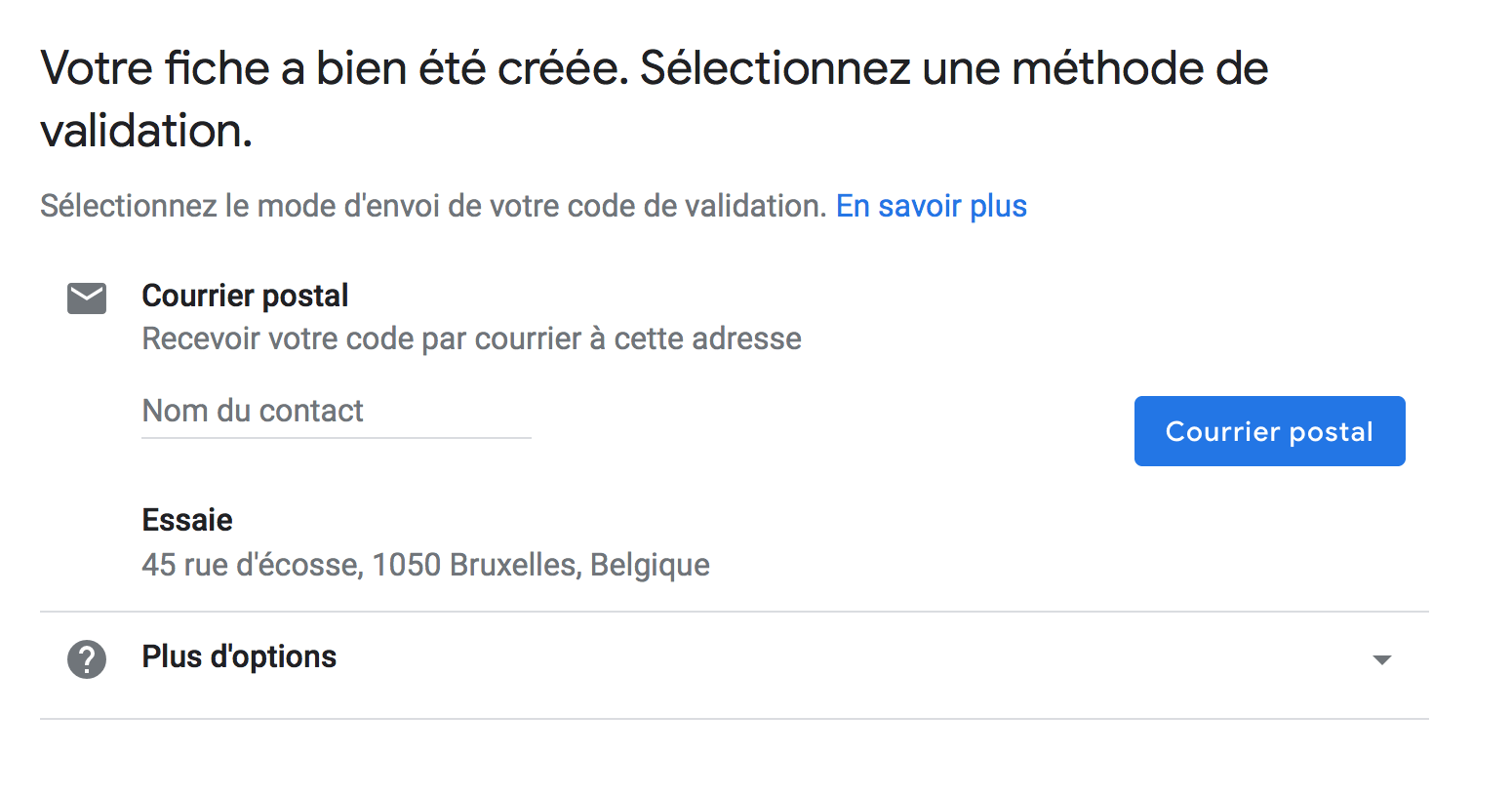
The method generally proposed by GMB is to send a code by post. You will receive a letter to the postal address you indicated to verify that it is a real company. You will then have to enter a validation code and once this step is completed, your account will be created.
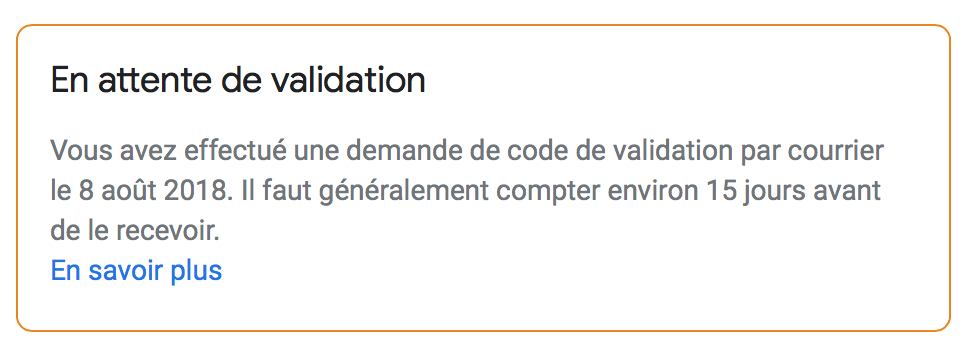
In the meantime, you can go to the GMB Dashboard, a message "Pending validation" will appear. As specified below, the mail with your validation code generally takes 15 days to be received.
Step 11: Customize and improve your Google Business Profile page
Last and final step, you must complete your data! You now have access to a dashboard very simple-to-use that allows you to manage your information. Don't forget this step! The more you provide details, the more your account will be optimized.
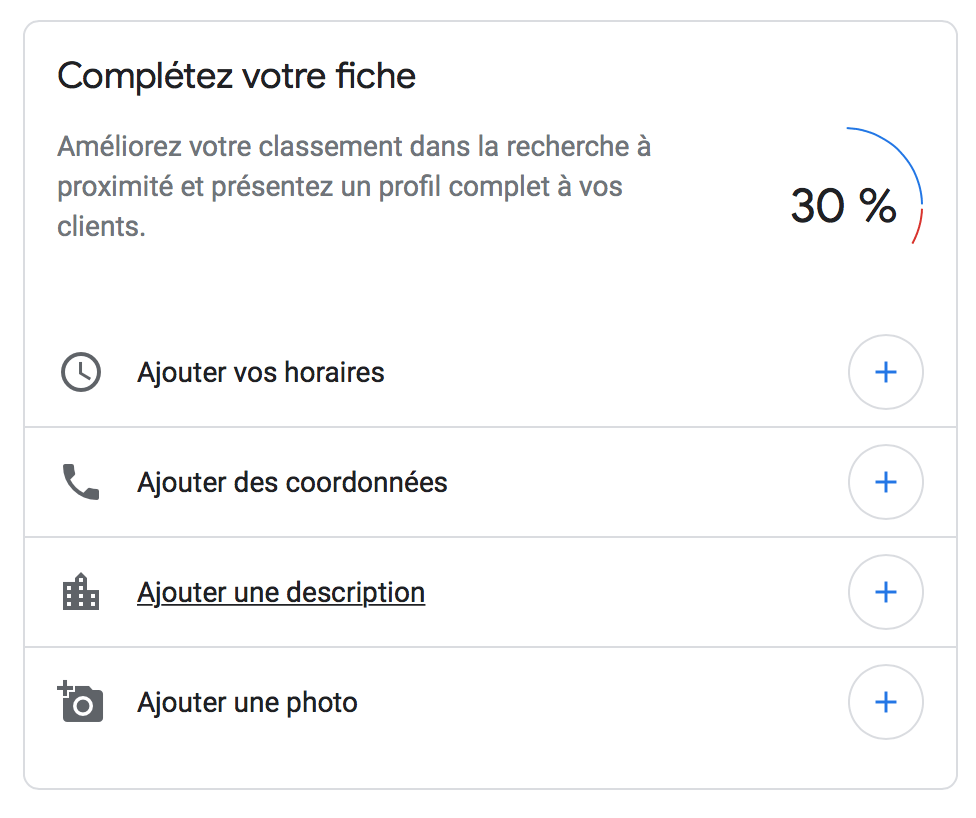
The listing Google Business Profile a genuine visual map of your establishment, you must take care of the presentation of your establishment and highlight your core activity by using keywords in order to spark the interest of users. Users are very sensitive to the visual aspect, work on the ergonomics of your presentation and do not hesitate to add beautiful photos to showcase your products or services.
Fill in carefully all the requestéd information and don't forget that the more you are precéise, the more you will increase your chances of appearing among the top results in Google. Numébers of téléphone, email address, opening hours d’opening, links to your site or your social réseaux… Include all your information !
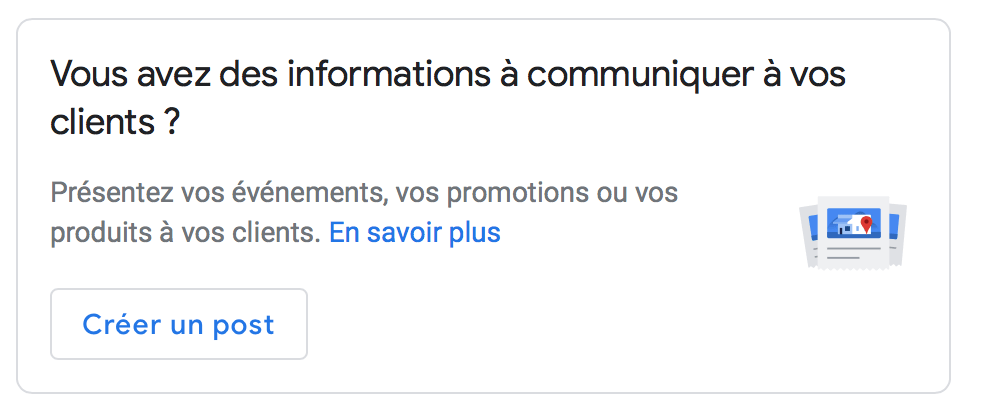
Being on GMB you are visible to internet users and you now have a showcase that highlights your activity. Google develops simple tools to use that aim to help you take control of your digital communication. For example you can communicate very simply information to your customers by creating Posts.
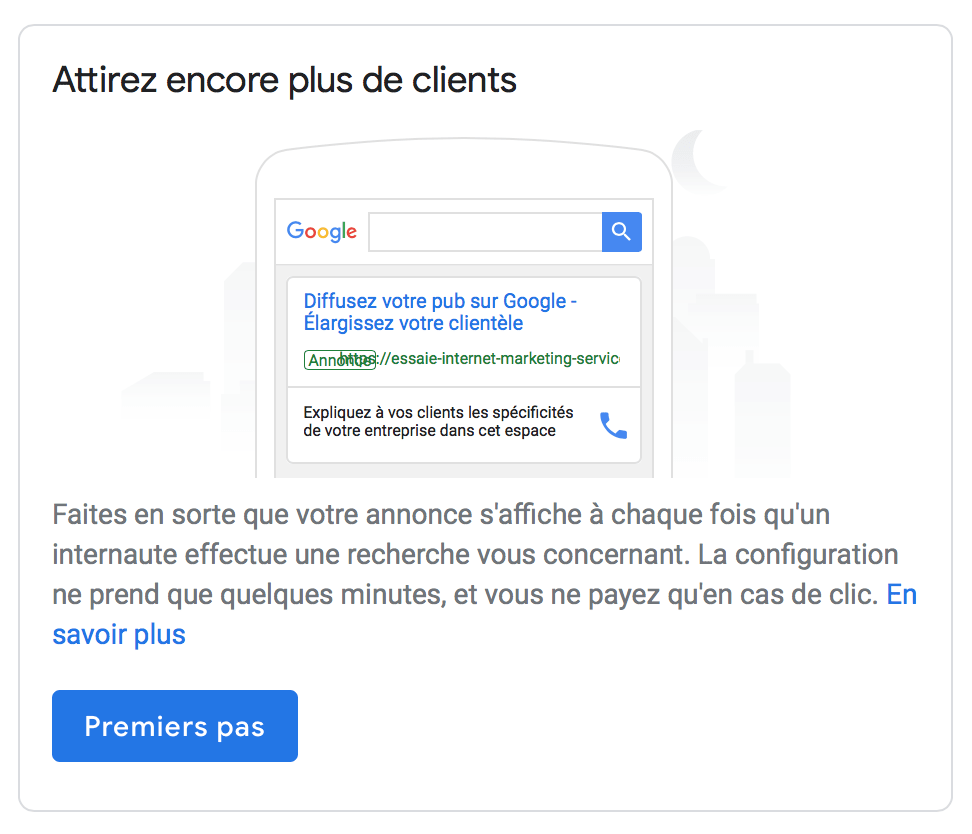
Don't forget that you can also manage your SEO campaigns with Google AdWords.
Step 11: It's your turn!
You can see that the steps to follow are simple. So do not hesitate and create the Google Business Profile profile of your establishment now.
[th-button text="Contact us" href="mailto:[email protected]"]
Check out other articles on the subject...
Save time and gain visibility from today
Schedule a personalized demo and see how the platform optimizes every local action in your network.


Latest articles
Discover other selected articles to further explore the topic. To continue exploring the levers that really make a difference for your points of sale.